
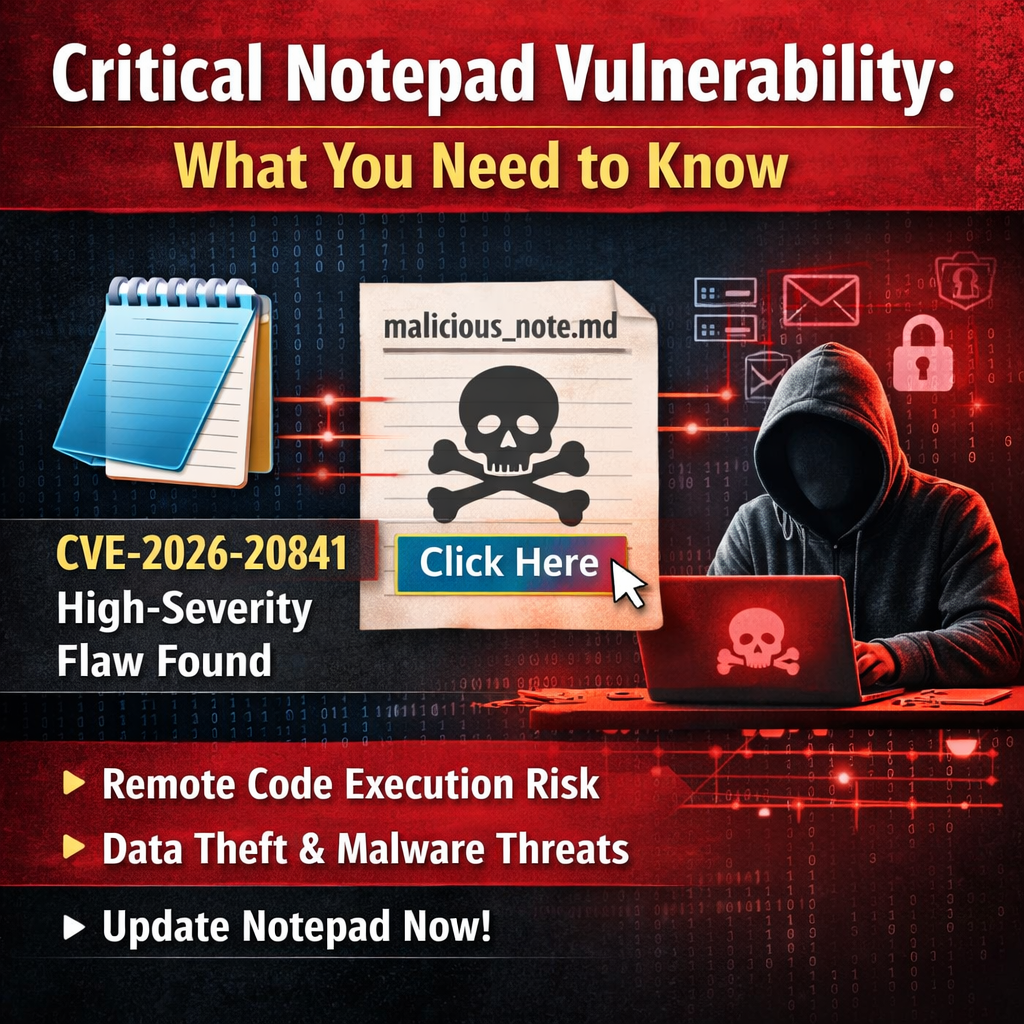
Just a couple of weeks after the Notepad++’s updater was hijacked, Microsoft Notepad is now taking the spotlight with a humongous CVE.
Critical Notepad Vulnerability: What You Need to Know
Microsoft has patched a high-severity security flaw in its modern Notepad application that could allow attackers to execute malicious code on your computer simply by tricking you into clicking a link in a text file.
What Happened
The vulnerability, officially designated CVE-2026-20841, was discovered by security researchers Delta Obscura and “chen” and fixed in Microsoft’s February 10, 2026 security updates. It carries a severity rating of 8.8 out of 10—classified as “Important” in Microsoft’s system.
At its core, this is a command injection vulnerability. The flaw exists in how the modern Notepad app processes Markdown files (.md), which can contain clickable hyperlinks. Unlike plain text files, Markdown documents support richer formatting, including embedded links—and it’s this functionality that attackers can exploit.
Here’s how an attack works: A threat actor creates a malicious Markdown file containing a specially crafted hyperlink. When opened in Notepad, the file appears harmless. But if the user clicks the embedded link, Notepad can be manipulated into fetching content from an attacker-controlled server and executing it as commands on the victim’s machine. The “weapon” is simply a text file, which can be delivered via email, messaging apps, or download links.
What the Impact Is
If successfully exploited, this vulnerability allows attackers to run arbitrary code with the same privileges as the logged-in user. This means the attacker gains access to everything that user can access—documents, network drives, internal applications, and more.
In practice, this level of access enables attackers to:
- Steal sensitive files and data
- Install additional malware or ransomware
- Move laterally through corporate networks
- Harvest credentials for further attacks
- Establish persistent access to the compromised system
Even without administrator privileges, user-level code execution is often sufficient to cause serious damage, particularly in corporate environments where users routinely access confidential information and business-critical systems.
Who Is Affected
This vulnerability affects the modern Notepad app distributed through the Microsoft Store—not the classic Notepad.exe that shipped with older versions of Windows.
This distinction is important because the modern Store version operates differently and may not update automatically if:
- Automatic app updates are disabled in the Microsoft Store
- Enterprise IT policies restrict or delay Store app updates
- Users haven’t manually checked for updates recently
The modern Notepad has seen widespread adoption across Windows 10 and Windows 11 systems, making the potential exposure significant for both individual users and organizations.
What You Need to Do
Immediate action required:
- Update Notepad immediately. Open the Microsoft Store, click on “Library” in the bottom left, then click “Get updates.” Install any available update for Notepad (the patched version is build 11.2510 or later).
- Enable automatic updates. In the Microsoft Store, go to Settings and ensure “App updates” is turned on to receive future security fixes automatically.
- Exercise caution with Markdown files. Until you’ve confirmed the update is installed, be particularly wary of .md files from unknown sources and avoid clicking links within them.
For IT administrators:
- Audit your environment to identify systems running vulnerable Notepad versions
- Push the updated Notepad app (build 11.2510+) through your application management tools
- Ensure Microsoft Store update policies allow critical security patches
- Consider educating users about the risks of opening unsolicited Markdown files
The Bigger Picture
This incident underscores an important evolution in the threat landscape: even basic utilities like Notepad can become serious attack vectors when they add support for richer file formats. While the legacy Notepad.exe remains unaffected, the modern app’s ability to handle Markdown—a format increasingly popular for documentation, notes, and README files—has inadvertently created new opportunities for exploitation.
The vulnerability has been responsibly disclosed and patched, but protection depends entirely on users and organizations taking action to install the update. Microsoft has classified this as “customer action required”—the patch won’t install itself without your intervention.
Don’t wait. Update now.
TLDR: Even the ‘safest’ of apps which sole purpose is to display and manage text can be used for lateral movement… Scary times! If you are on Windows 11 <11.2510 and haven’t already, update now..